Document management focuses on the storage and organization of documents to support active work in progress, including content creation and sharing within an organization. When organizations do not have any kind of formal document management system in place, content is often created and saved in an unmanaged and decentralized way on scattered file shares and individual hard disk drives. This makes it hard for employees to find, share, and collaborate effectively on content. This also makes it difficult for organizations to use the valuable business information and data in the content.
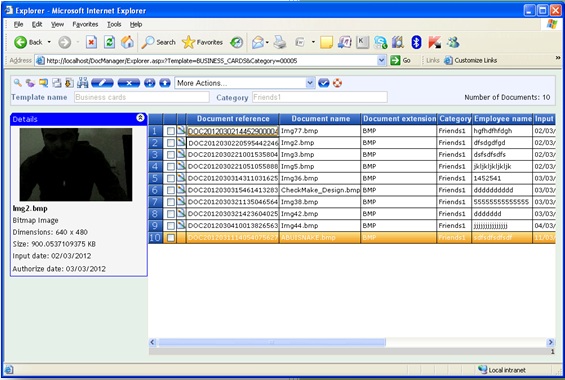
Smart DocManager supports your organization's document management needs by providing a broad set of document management capabilities that enable you to do the following:
• Store, organize, and locate documents.
• Ensure the consistency of documents.
• Help protect documents from unauthorized access or use.
• Ensure consistent business processes (workflows) for how documents are handled.
• Support fast search for documents.
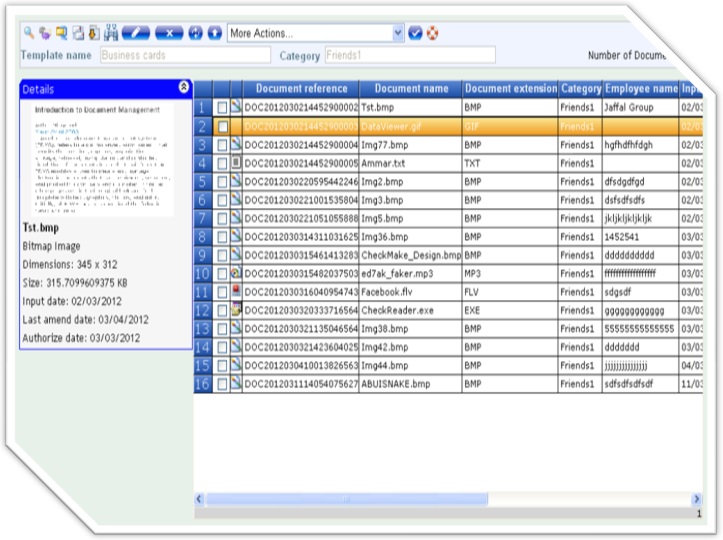
BENEFITS
• Increased Productivity.
• Improved, faster and more flexible search.
• Documents do not get misfiled or misplaced.
• Improved Security.
• Digital documents aren’t subject to physical wear and tear.
• Disaster Recovery and Business Continuity.
• Improved Regulatory Compliance.
• Process Consistency.
• Version control and audit trail.
SYSTEM FEATURES
• Security
Controls that restrict user access according to document type and purpose.
• Collaboration
Enables simultaneous document sharing and multiple authorship of documents.
• Indexing system
Permits organizing documents into related category, such as folders or books.
• Free-text search and retrieval
Enables rapid access to documents based on finding keywords in text.
• Metadata indexing
Enables document workflow controlled by index data such as the author, title, date created or modified.
• Electronic imaging
Permits information capture by scanning documents into the system.
• Workflow engine to automate tasks
Automate handling newly created document, review, approve and publish documents on line. Document storage is retrievable within the system. Quick, easy and automatic distribution and notification of approved documents to ensures all employees access to the most current version of documents.
• ERM storage
Large volume electronic storage media for permanent archiving of documents.
• Email sending
Enables the user to send a document direct from the system by email.
• Central Storage
One of the primary reasons to use Smart-DocManager is the central storage of your data versus having data stored on all the users’ local system and the network. Storing files on a local system creates silos of data which cannot be easily accessed by other users in the company.
• Duplicate Documents
Duplication of documents is a real problem in organizations where files are copied, modified and then stored locally. These local versions of the document can make it difficult to find the actual document users are looking for.
• Going Green
Storing documents in a central repository which is backed up is a great way to go green. Hard copies of documents can be scanned and stored in a document management system with Meta tag information which can be searched on. Invoices and purchase orders can be scanned and saved in a document management system which can later be searched and retrieved without going to a filing cabinet.
• Searching For Files
Smart-DocManager has the ability to search for files by file names, Meta information, user information and last transaction dates of the files. Comments on files can be searched including file content.
• Version Control
Documents which are stored on your network can be changed and manipulated by users without any change history, logging, etc under standard network file systems. Document management systems require documents to be checked out prior to modification and check in to save those changes into the repository. Through version control processes organizations can view entire history of documents which includes being able to roll back to any previous version.
• Notifications
Email notifications can be associated with files in the document management system which will be sent when files get changed, check out, renamed, etc.
|